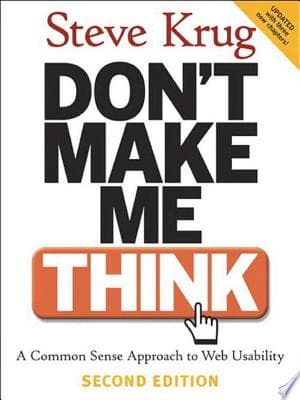
Krug's First Law of Usability: Don't Make Me Think!
Users shouldn't have to decipher your interface; it should be immediately obvious.
Quote
Your goal should be to eliminate question marks. When users are looking at a Web page, they should never have to ask themselves, 'Where am I?' or 'Where do I start?' or 'What are they trying to tell me?'
Good web design, according to Krug, means making users think as little as possible. Each time a user has to stop and think, it causes frustration and makes them more likely to leave. This isn't about making users less intelligent; it's about respecting their time and attention. Websites should be clear, easy to use, and navigable without conscious effort. If a user needs to pause and consider an action, the design has failed. The best interaction is one where the user doesn't even notice they're using an interface, but feels like they...
Supporting evidence
Krug frequently uses examples of poorly labeled navigation or ambiguous calls to action, contrasting them with clear, concise alternatives that require no mental processing from the user. He emphasizes that users don't 'read' web pages so much as 'scan' them for keywords and visual cues.
Apply this
Conduct 'blink tests' on your designs: can a new user understand the purpose and main actions of a page within 3-5 seconds? Prioritize clear, concise labels over clever or ambiguous ones. Ensure all clickable elements look clickable and that their function is immediately apparent.